Grammar skills in Grammar App
- Parts of speech
- Verb tenses
- Sentence structure
- Punctuation
- Writing rules & common mistakes
Play Grammar App right now
Rebuilt in HTML5 so it runs in any modern browser — phone, tablet, Chromebook or laptop. Nothing to install and no account to create; progress is saved on the device.
▶ Play Grammar AppHow to play Grammar App
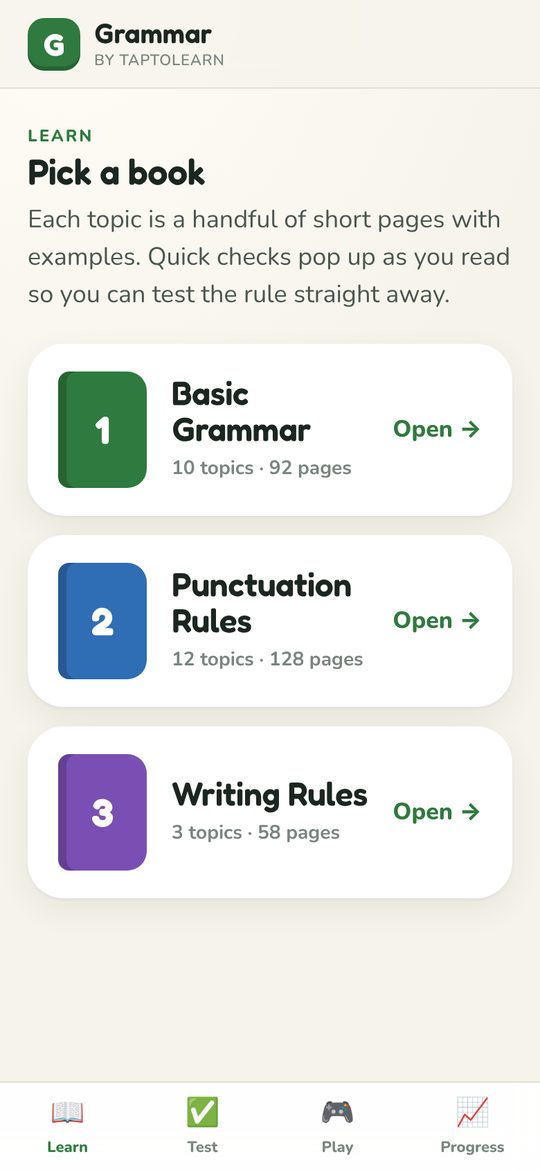
- Open Learn and pick a book: Basic Grammar (10 topics), Punctuation Rules (12 topics) or Writing Rules (3 topics).
- Each topic is a handful of short pages with examples. Quick checks pop up as you read so you can try the rule straight away.
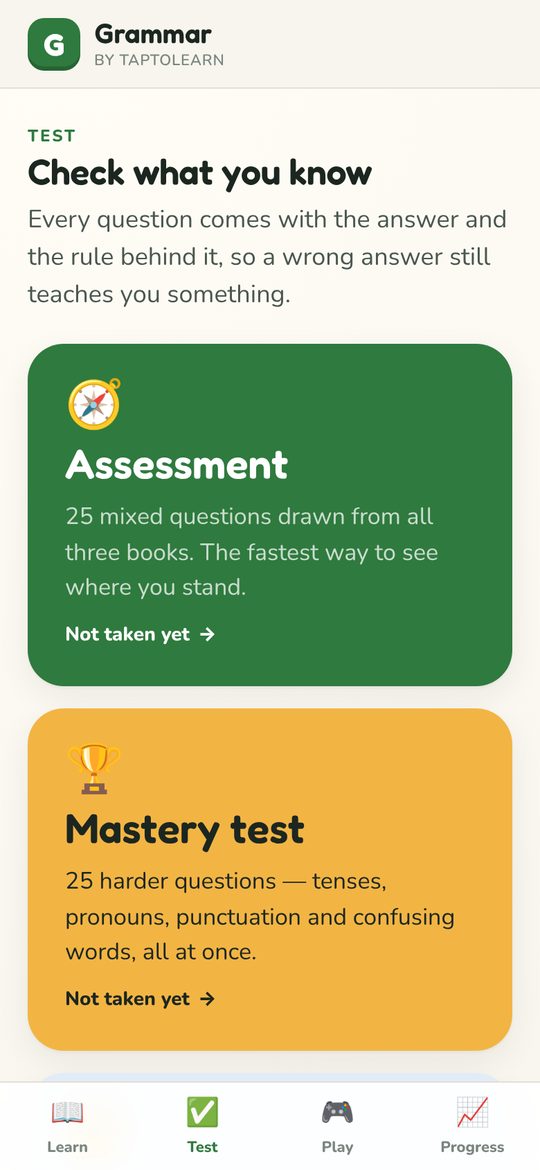
- Go to Test for a 25-question Assessment, a Mastery test of harder mixed questions, or a topic test on just what you read.
- Every answer comes with the rule behind it, so a wrong answer still teaches something.
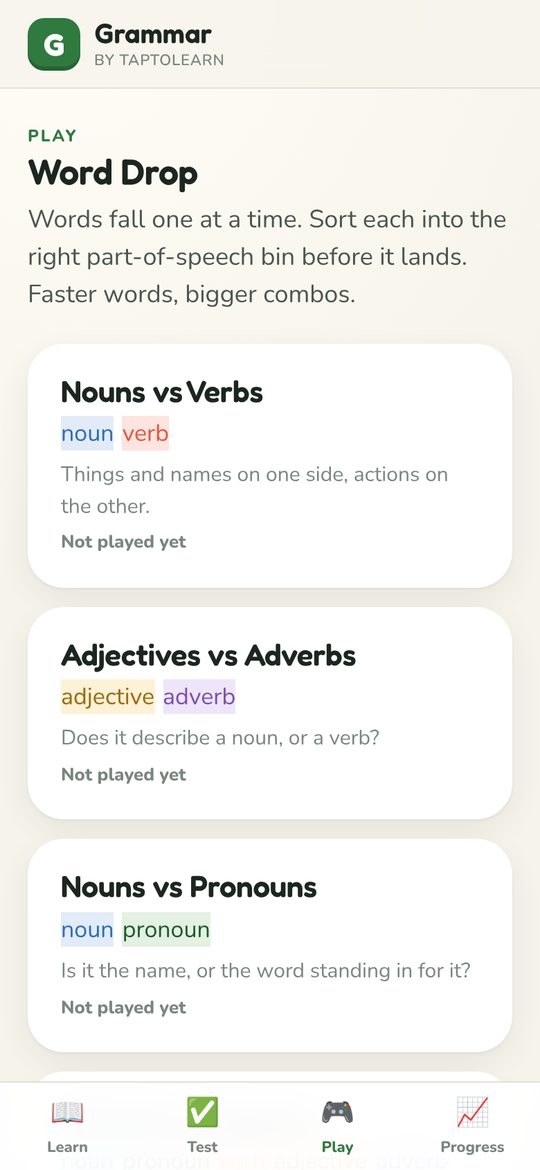
- Play Word Drop: words fall one at a time — sort each into the right part-of-speech bin before it lands. Progress shows what to revisit.
What's in Grammar App
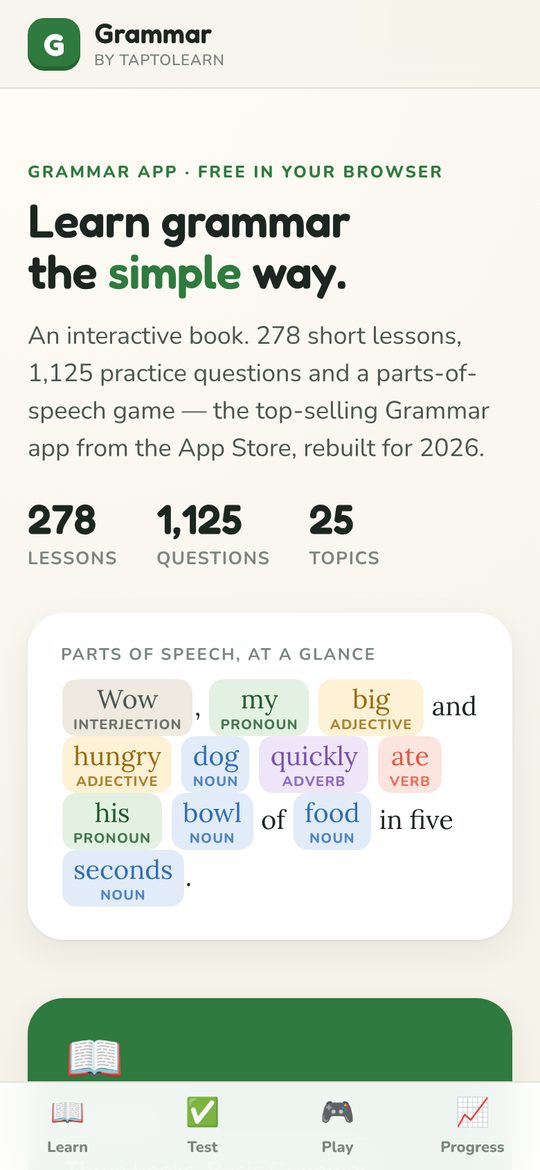
- 278 lessons across three books, 1,125 practice questions with explanations, and 25 topics from parts of speech to punctuation and writing rules.
- Four Word Drop modes: Nouns vs Verbs, Adjectives vs Adverbs, Nouns vs Pronouns, and All Parts of Speech.
- A progress dashboard tracks tests taken, accuracy by topic and lessons read.
- Rebuilt for 2026 from the original Grammar App HD — the Apple "New & Noteworthy" pick — with all of its lesson text and question bank.
About Grammar App
Grammar App is the simplest way to learn and test English grammar — now rebuilt for the browser. No lectures — each rule is explained in a screen or two, shown with examples, and then immediately tested, covering parts of speech, tenses, punctuation and writing rules.
The progress tracker makes it obvious what a kid has mastered and what needs another pass, which is exactly what a parent or teacher wants to see on a Sunday evening.
Featured by Apple in "New & Noteworthy". Over 1.2 million downloads.
- Subject
- Grammar
- Grades & ages
- Grades 3–8 · Ages 8–14
- Platforms
- Web
- Price
- Free to play in the browser
- Publisher
- TapToLearn
Frequently asked questions
Is Grammar App free?
Yes. Grammar App plays free in any modern web browser at https://www.taptolearn.com/apps/grammar/ — no download, no account and no ads.
What ages is Grammar App for?
Grammar App is designed for Grades 3–8 (Ages 8–14). It covers grammar: parts of speech, verb tenses, sentence structure and more.
What does Grammar App teach?
Parts of speech; Verb tenses; Sentence structure; Punctuation; Writing rules & common mistakes.
Is Grammar App safe for kids?
Yes. TapToLearn games have no ads, no chat and no sign-up. The browser version runs entirely on your device and progress is saved locally.